 Motion Garden
Every move makes something beautiful grow.
Turn everyday movement into a living garden. Grow flowers, keep the moments you want to remember, and see how far you’ve come.
Coming soon on iPhone
How it worksFor iPhone with iOS 18.0 or later

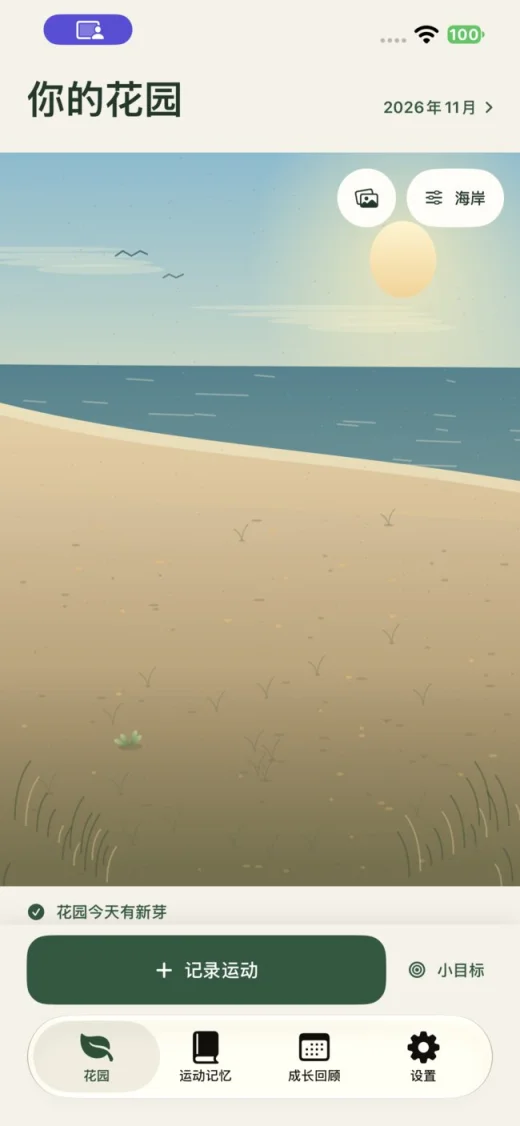
How a garden grows
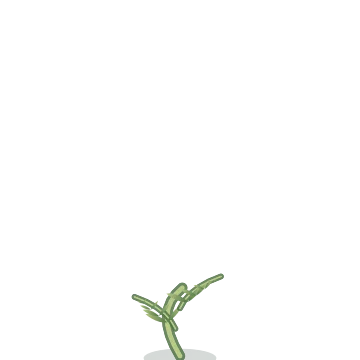
Record your movement
Log a walk, a stretch or another activity by hand, or connect Apple Health to bring in workouts you choose to share.
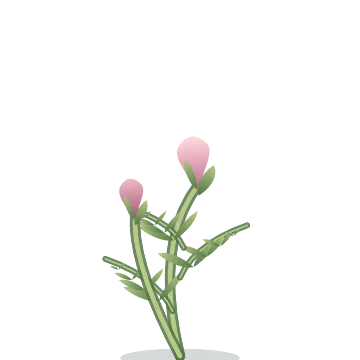
See a flower take root
The first eligible record of a garden day can plant a flower. It matures over time, and every movement you log stays in your history.
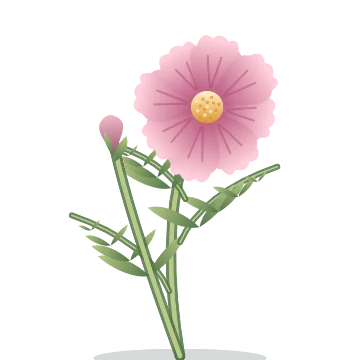
Watch the seasons gather
Each month has its own garden. Come back after a break and keep growing from where you left off.
Four natural worlds
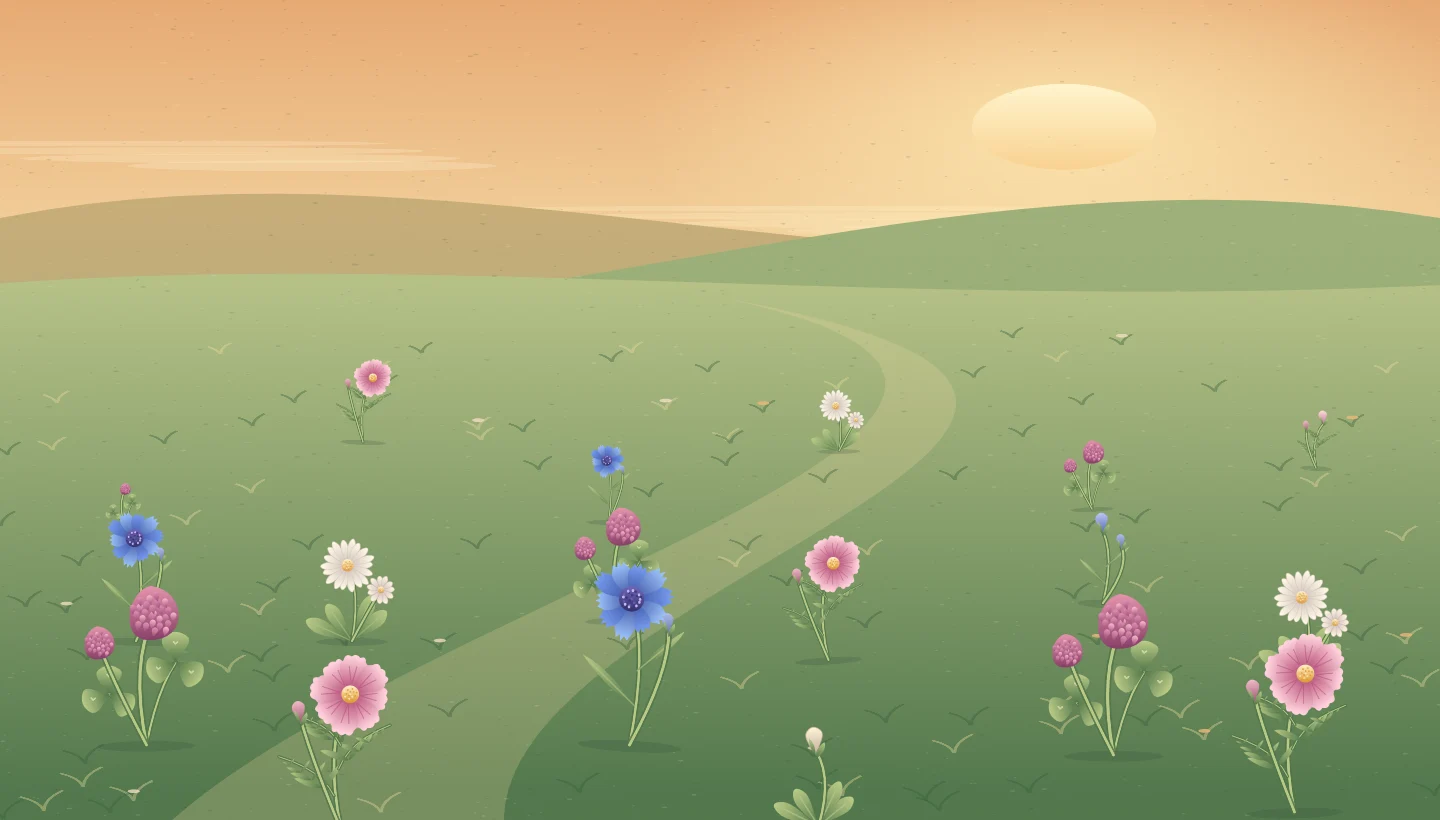
Start in the Meadow. With Pro, grow among woodland trees, by the sea or high in the mountains.
Flower Collection
Explore thirteen flowers from the app. Pick a stage to see how their leaves, buds and blooms change as they mature.
Meadow
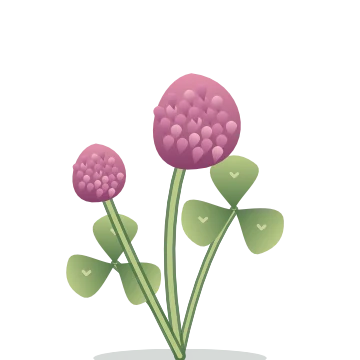 Red clover
- Cosmos
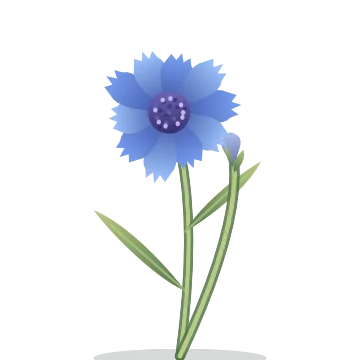 Cornflower
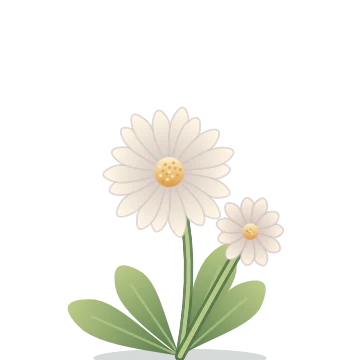 Daisy
Forest
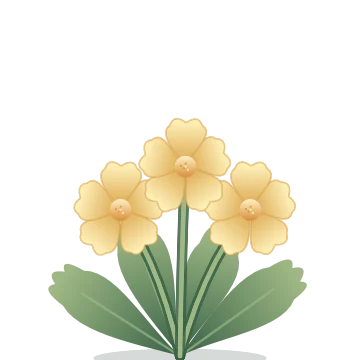 Primrose
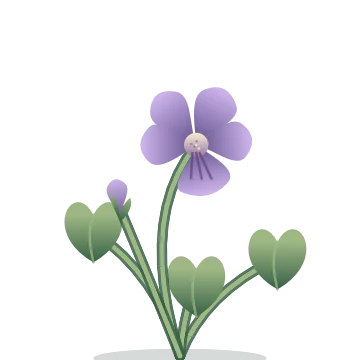 Sweet violet
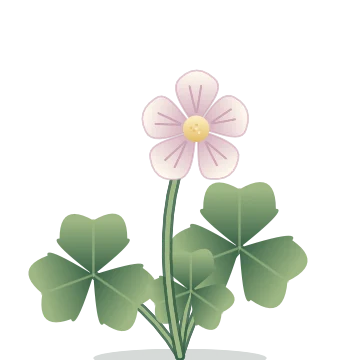 Wood sorrel
Coast
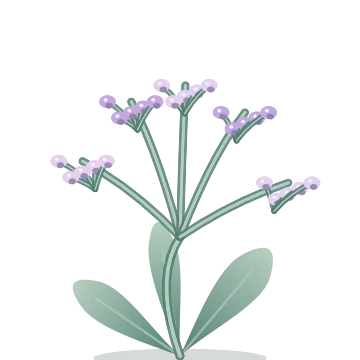 Sea lavender
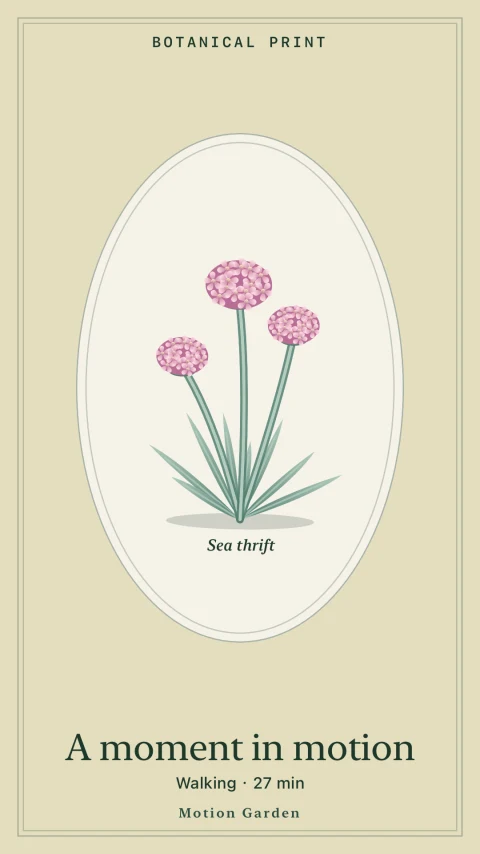
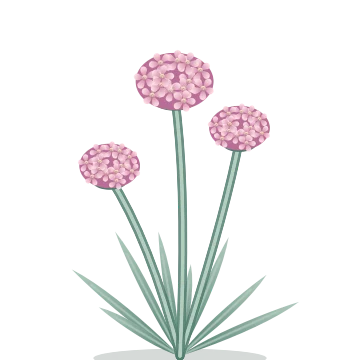 Sea thrift
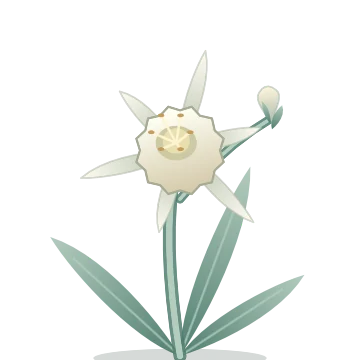 Sea daffodil
Alpine
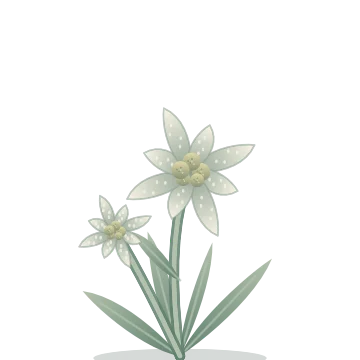 Edelweiss
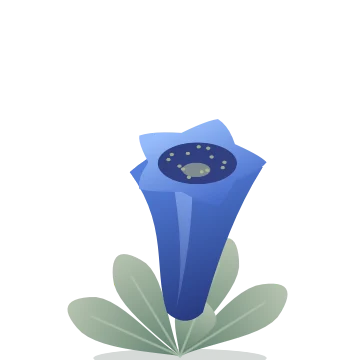 Trumpet gentian
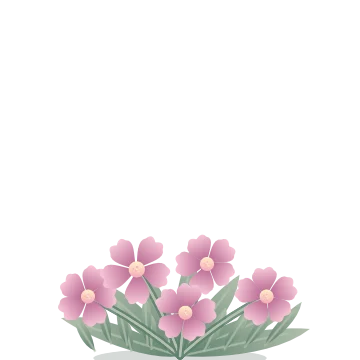 Moss campion
Keep a little of the day
Save a feeling or a few lines in Moments. With Pro, add up to three photos to a movement record and arrange them as you like.
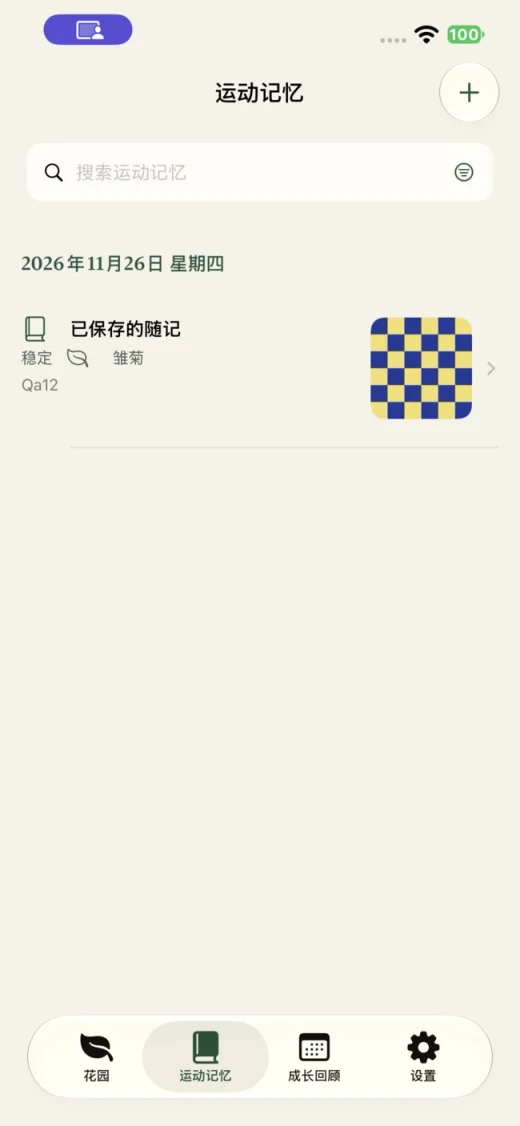
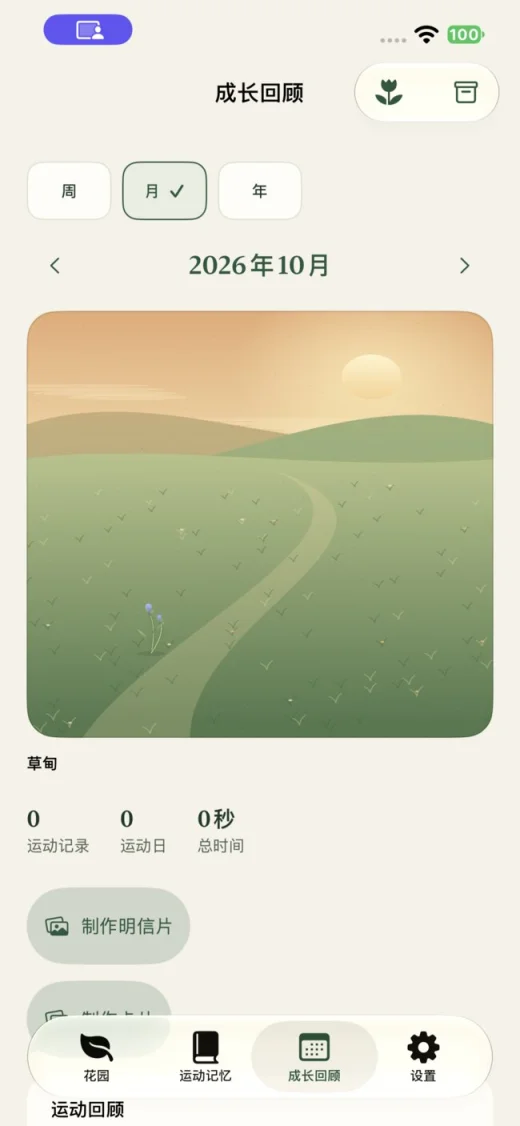
A garden for every month
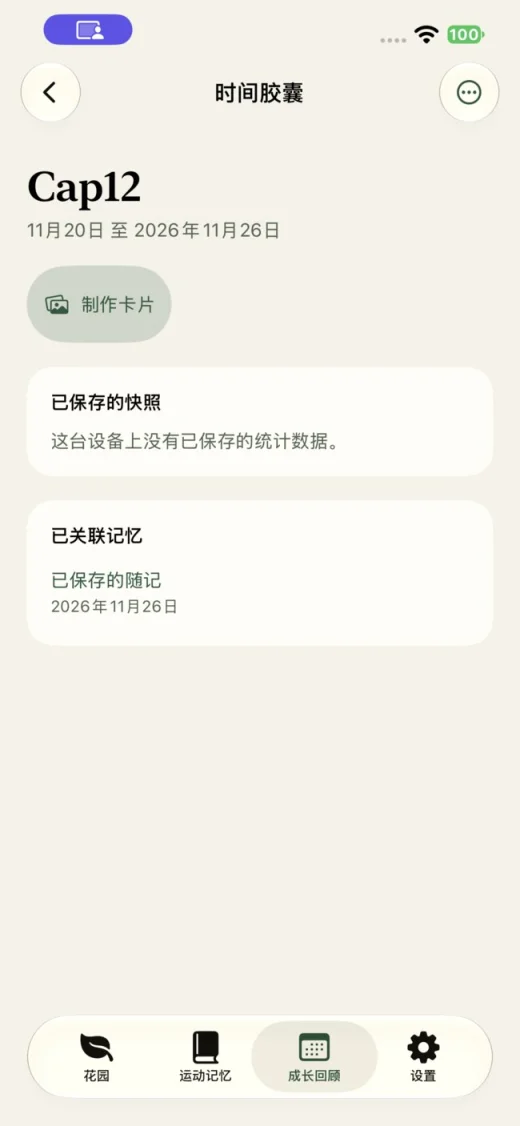
Revisit any saved month in Journey. With Pro, explore the Flower Collection, see longer trends and make a Time Capsule from memories you choose.
Make it yours
Bring your garden to the Home Screen with a widget. Pro adds weather, light, décor and more options for keepsakes like the Botanical Print.
A garden that stays with you
Records and keepsakes are saved on your iPhone. Apple Health access is optional, and workout data is stored separately from garden content. Motion Garden has no separate user account.
iCloud Sync
Motion Garden’s iCloud sync is unavailable in this version. Your records, earned flowers, gardens, photos and capsules are stored on this device.
Privacy ChoicesMore room to grow
Start with the Free plan. Pro gives you more ways to shape your garden and return to the moments that grew it.
Free
- Manual logging and optional Apple Health import
- Meadow, its four flowers and all saved monthly gardens
- Feelings, journal text, basic reviews and a garden widget
Motion Garden Pro
- All four worlds, thirteen flowers and garden styling
- Expanded reports, trends, flower collection and Time Capsules
- Add and reorder photos, choose more widget styles and make botanical prints
US$2.99 per month
US$19.99 per year
7-day free trial for eligible customers.
U.S. App Store reference prices. Prices elsewhere are shown in the local App Store. Both plans offer the same benefits and renew through Apple until canceled.
Frequently asked questions
SupportHow does my garden grow?
An eligible logged workout can grow one flower per garden day. The app uses your garden time zone, and extra workouts stay in your history.
Will I lose flowers if I take a break?
Your saved flowers stay as they are while you rest. Growth resumes the next time you log eligible movement.
Do I need to connect Apple Health?
No. Log movement in Garden or Moments whenever you like, including offline.
Do I need an Apple Watch?
An iPhone is enough. If you use Apple Watch, you can choose to share workouts it saves to Apple Health.
How do I get more flowers and worlds?
The Meadow and its four flowers come with Free. Pro opens Forest, Coast and Alpine, including their flowers.
What happens when Pro ends?
You can still view and manage what you saved, including existing photos and capsules. Adding or editing premium content can require an active subscription. Basic logging and reviews continue.
How do I manage my subscription?
Use Settings in Motion Garden to open Apple subscription management, or on your iPhone go to Settings, tap your name and choose Subscriptions. Cancel at least 24 hours before renewal if you want to stop the next charge.
How do I restore my purchase?
In Motion Garden Settings, open the Pro area and tap Restore Purchases while signed in to the Apple Account used to subscribe.
How do I manage my private data?
Use the detail screens to remove individual items, or Delete All Movement Data in Motion Garden Settings. Privacy Choices explains permissions, copies and deletion.
Privacy ChoicesWhich devices and languages are supported?
Motion Garden is for iPhone with iOS 18.0 or later. The app and this site support the twelve languages listed in the language menu.
What syncs across devices?
Motion Garden’s iCloud sync is unavailable in this version. Your records, earned flowers, gardens, photos and capsules are stored on this device.